CategoryWeb Design

New Ways of Working in Web Design Agencies

In the project-based world of a design agency, it can be difficult to work in ways that are easy to implement, easy to track and easy for everyone to be a part of. Workloads vary and methods of dealing with them are highly changeable depending on the agency and its staff. It is essential to adapt to changing markets and to make processes as agile as possible. This will inevitably involve the implementation of new ways of working on a regular basis.

It might be easiest to consult others when establishing the best ways of working. It’s always highly valuable to get the opinions of people without inside knowledge of your business and the way it operates. Working for an organisation for a long time can lead to you becoming set in your ways. Fresh opinions and ideas are an excellent resource to draw upon.

That being said, you will need to have plenty of input yourself. Try to look at how things are happening and make lists of areas that need to be improved upon. Next, you can begin brainstorming ideas for how to change them. It’s difficult to be self-critical, but it needs to happen in order for it to improve.

Getting new processes up and running can be time consuming, but don’t let that put you off. It will be better in the long run. The key to making this process a success is communication. Ensure that everybody knows what is happening, even if it won’t be immediately relevant to them – they should still have the opportunity to come up with ideas and to feel included. Soon, it will become second nature to everyone and you will be able to run your agency business more smoothly and more collaboratively.
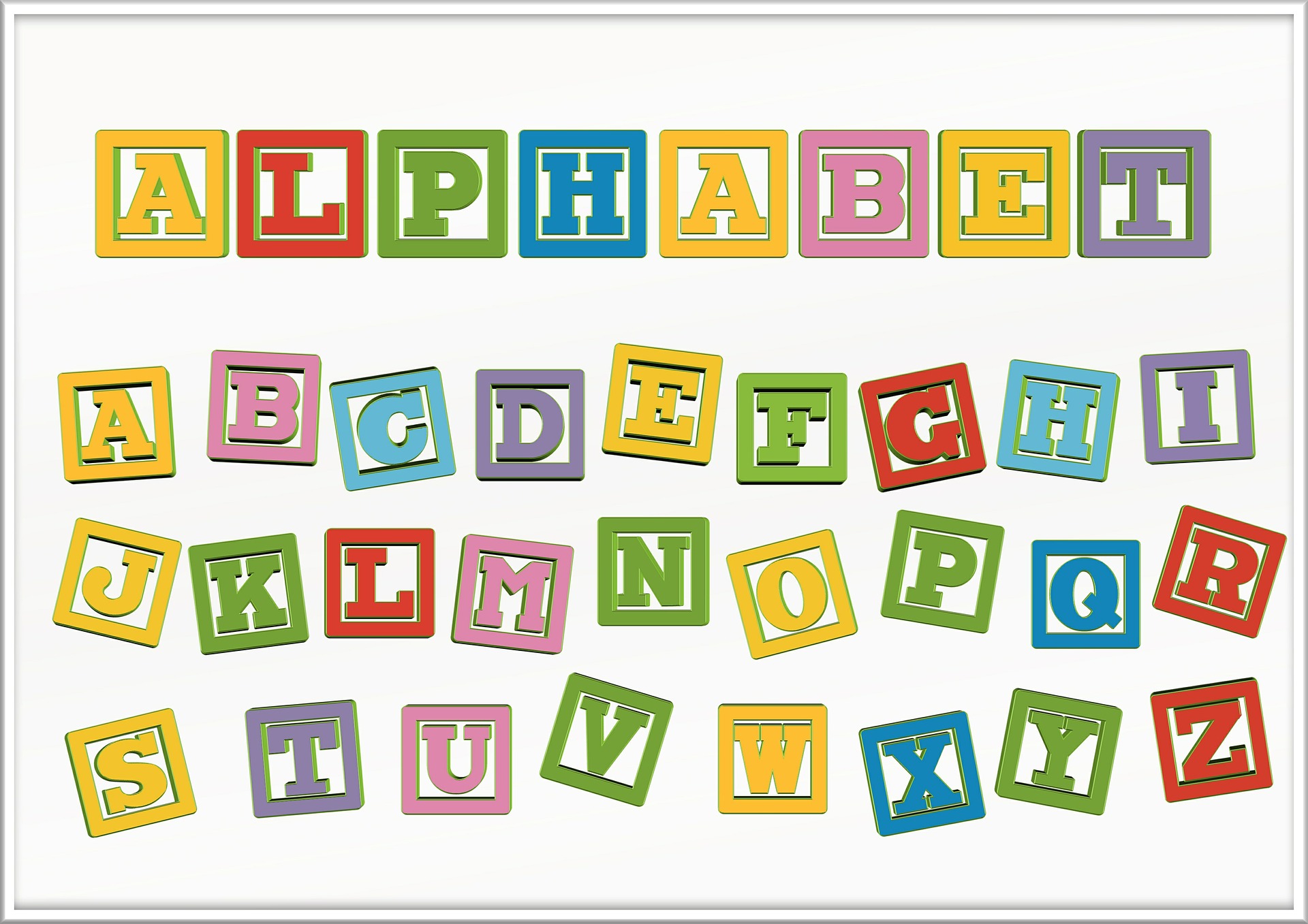
 

Typography – Why is it So Important?

Typography is essential in web design. It’s the method by which you deliver your message, making sure that the words which describe your product look right for your brand too. When typography works, it makes your website stand out. Here are some points to consider.

Choosing the right font will govern how your reader feels. A lot can be done with text presentation – you can emphasise the parts which need to excite people, you can give the text a fun feel or you can make it look vintage and nostalgic. Consider how you want your audience to react and let this inform your decision.

The font which you use is all over your website. It makes it look consistent, professional and well branded. Therefore, it has to be right. Don’t just think about individual messages, think about your brand as a whole.

Font says a lot about tone of voice. For example, you are likely going to use a very different font for a website about children’s parties to one explaining mathematical formulas. One has to be energetic and engaging, one has to be serious and informative. Set the tone with the font you choose.

Designing a User-Friendly Website

When going through the process of designing a new website, you need to ensure that it will be as user-friendly as possible. The aim of your website is to engage with your audience, and if people aren’t able to make easy use of all its features and find their way around, they’re far more likely to leave. Here are some tips for creating a positive user experience which should be taken into account during the website design process:

  1. Prioritise navigation. People need to know how to find their way around your site – if they find it too difficult, they won’t persevere.
  2. Use good copy. People need to be able to understand your message easily. As an added bonus, if the text is appealing and engaging, you have an excellent opportunity to hold someone’s attention.
  3. Make it clear who you are. Put your logo somewhere prominent, usually the top left-hand corner as this is where people’s eyes will first be drawn.
  4. Get the technology right. Make your site as up-to-date as you can – technology changes all the time and you don’t want it to start looking old-fashioned within a few months.
  5. Use calls to action and interactive designs to draw your potential customers in. If they’re fully involved with your site, they’re more likely to respond to it.

Help Messages Hand-Holding the End-User

Not everyone wants to be told what to do, all of the time. Sometimes help messages can come across this way, as instruction rather than assistance.

Many parts of a website or software program often require some sort of notification or tooltip to instruct the user of how that particular function works. This is a fact and rightly so should there be a help message in these instances.

But when help messages become a feature in and of themselves, then the developer may have gone too far.

The best way to discern if you may be putting in too many help-messages, and potentially annoying the end user is through testing. Other human testers will be able to let you know if they feel they are being ‘hand-held’ through the software, and patronised in the process.

After all, the software or website is going to be used by a human. It makes sense not to annoy him or her unnecessarily.

The Advantage Of Providing Help Text On Websites

Help text is a short message that provides a quick overview of the functionality of a website tool.

Adding help text to a website garners many advantages, not just to the end-user, but to the web designer too.

Help text can be used to help you. As a designer writing small messages next to each website function can serve as a memos. This can assist the designer in tracking what features have and haven’t been added to the website.

Forgotten what the blank button you made 2 weeks ago functions as? Adding help text to functions you have recently finished and are working on will remind you should you ever come across this query.

Then there is the obvious advantage of help text telling the user what certain functions do when the website is live. This will hopefully keep the questions and answers section much smaller on the forums.